
Member management
Sign-ups, profiles, history and notes. Everything in one place.
Gym management made simple
Memberships, payments, bookings, your member app and building access in one connected platform, built for modern UK gyms.
UK-built · Used by Performance Lab Grimsby · No lock-in
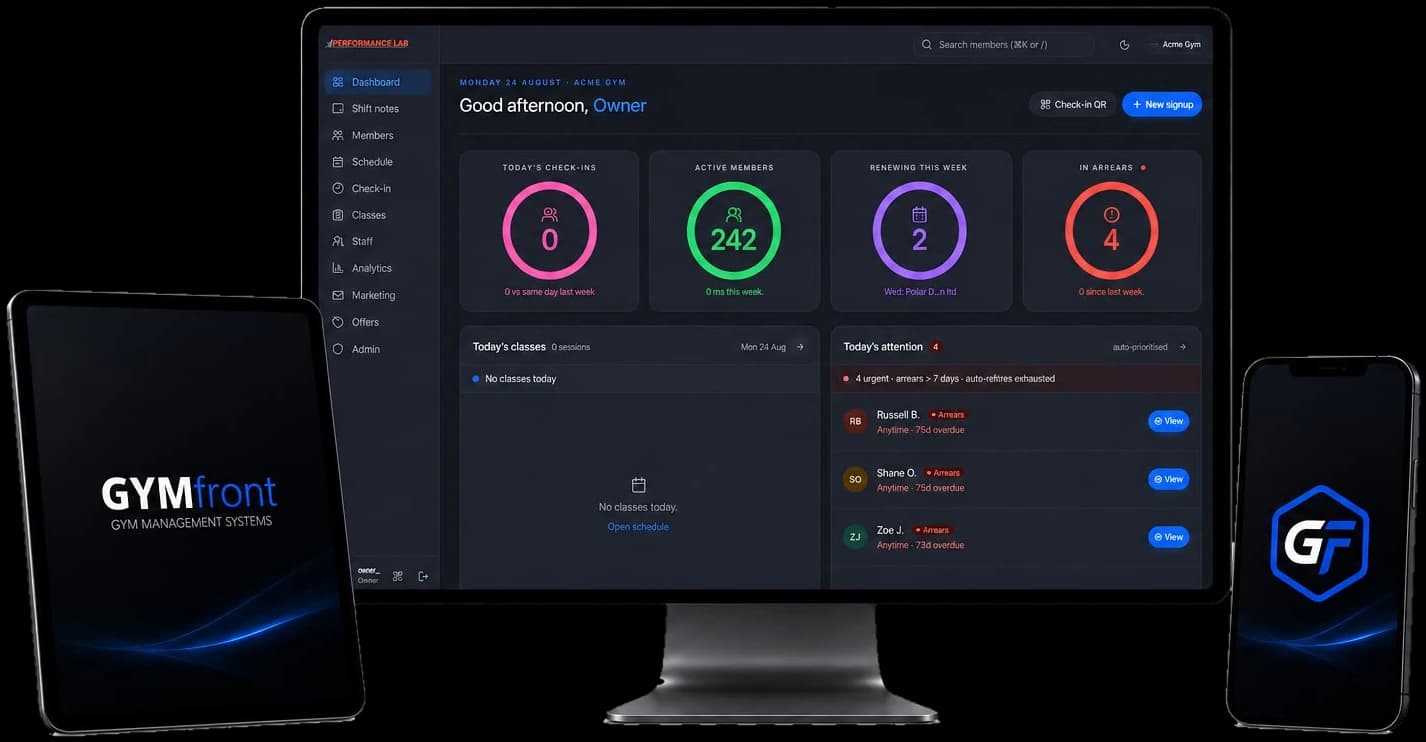
Everything in one place
GymFront runs the front desk, the back office, and the member experience from a single place.
Sign-ups, profiles, history and notes. Everything in one place.
Timetables, capacity, waitlists. Smart, simple, automated.
Direct debit, cards and cash on one ledger. Get paid on time.
Revenue, retention, attendance. Data that drives growth.
Book, check in and stay engaged from any device.
Explore the member appDoors, gates and turnstiles that follow membership and payment status, keeping compatible hardware you already own.
Explore access controlThe problem
Three browser tabs, a spreadsheet, and a paper sign-up sheet.
Failed direct debits you find out about a week later.
A members list that's slightly different in every system you check.
A door system that has never heard of your billing system.
Manually cancelling a fob every time someone freezes, cancels or stops paying.
We built GymFront because we were tired of watching gym owners do their own data entry.



Billing
One ledger for every way members pay. Failed payments retry themselves, and month-end is an export, not an evening.
Subscriptions · April 2026
| Member | Status | Amount |
|---|---|---|
Sarah Wilkins Standard · BACS DD | Active | £42.00 |
James Hart Annual · Card | Active | £480.00 |
Aisha Rahman Standard · BACS DD | 3d late | £42.00 |
Luke Bryant Standard · BACS DD | Active | £42.00 |
Megan Patel Drop-in · Cash | Pending | £12.00 |
Access control
Run secure, automated access without maintaining a second member list. GymFront connects membership and payment status to your doors, gates and turnstiles, giving members convenient entry while keeping your team in control.
Hardware compatibility, credential options and offline operation are confirmed during the site assessment.
Doors · Turnstiles · Speed gates · Internal zones · Reception scanners · Multi-site access
Already have controllers, readers or turnstiles installed? We assess what's there and integrate compatible equipment wherever practical, rather than ripping everything out to start again.
Starting fresh? We coordinate the lot: site survey, controllers, readers, locks, gates or turnstiles, installation, commissioning and connection to GymFront.
When a member joins, freezes, cancels or falls outside your payment rules, their access follows. No duplicate member lists, no manual changes in a separate door system.
QR, NFC tap or Apple Wallet pass alongside compatible cards, fobs and PIN readers. Set access rules by membership, time, entrance or location.
The front desk
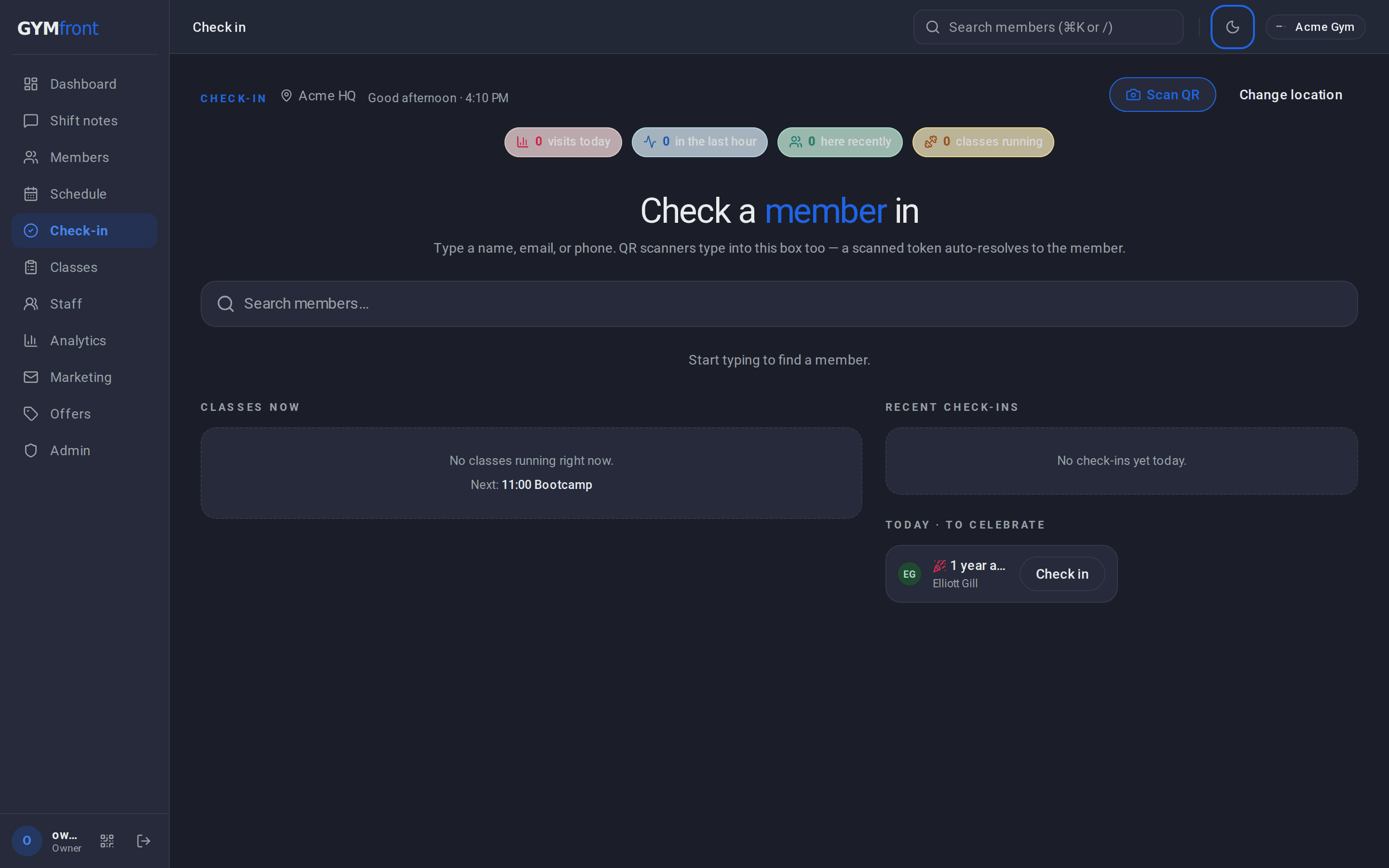
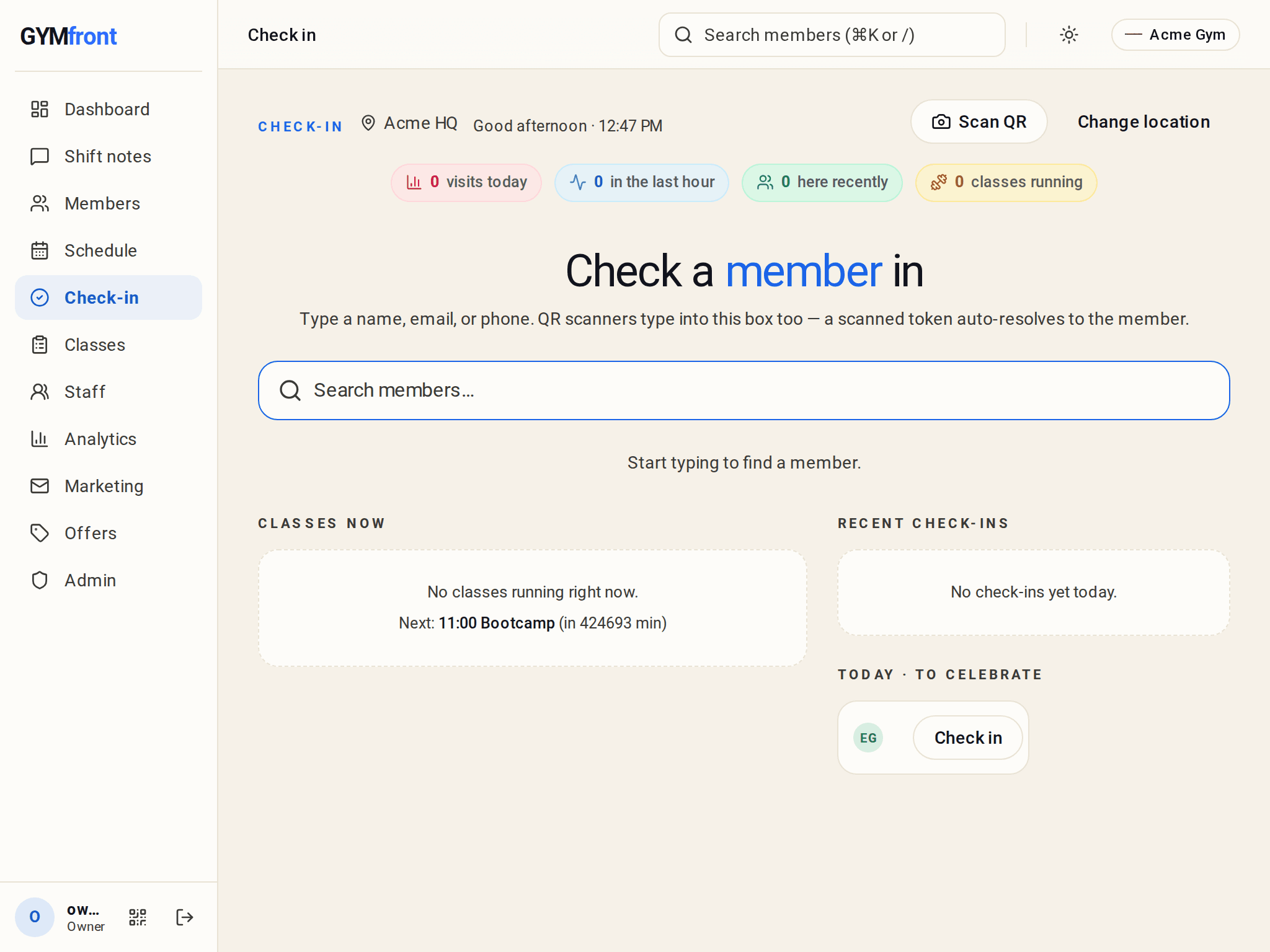
Sign a member up in three minutes. Take a class booking in two clicks. Check someone in with a QR scan. Your team gets a tool that helps them, and your members get their own app to book and check in themselves.

Members
Card or BACS DD
3 min
Schedule
Today's HIIT · 14 spaces
2 clicks
Check-in
QR or pass code
1 scan
Plans
Off-peak · Student · Drop-in
no spreadsheet

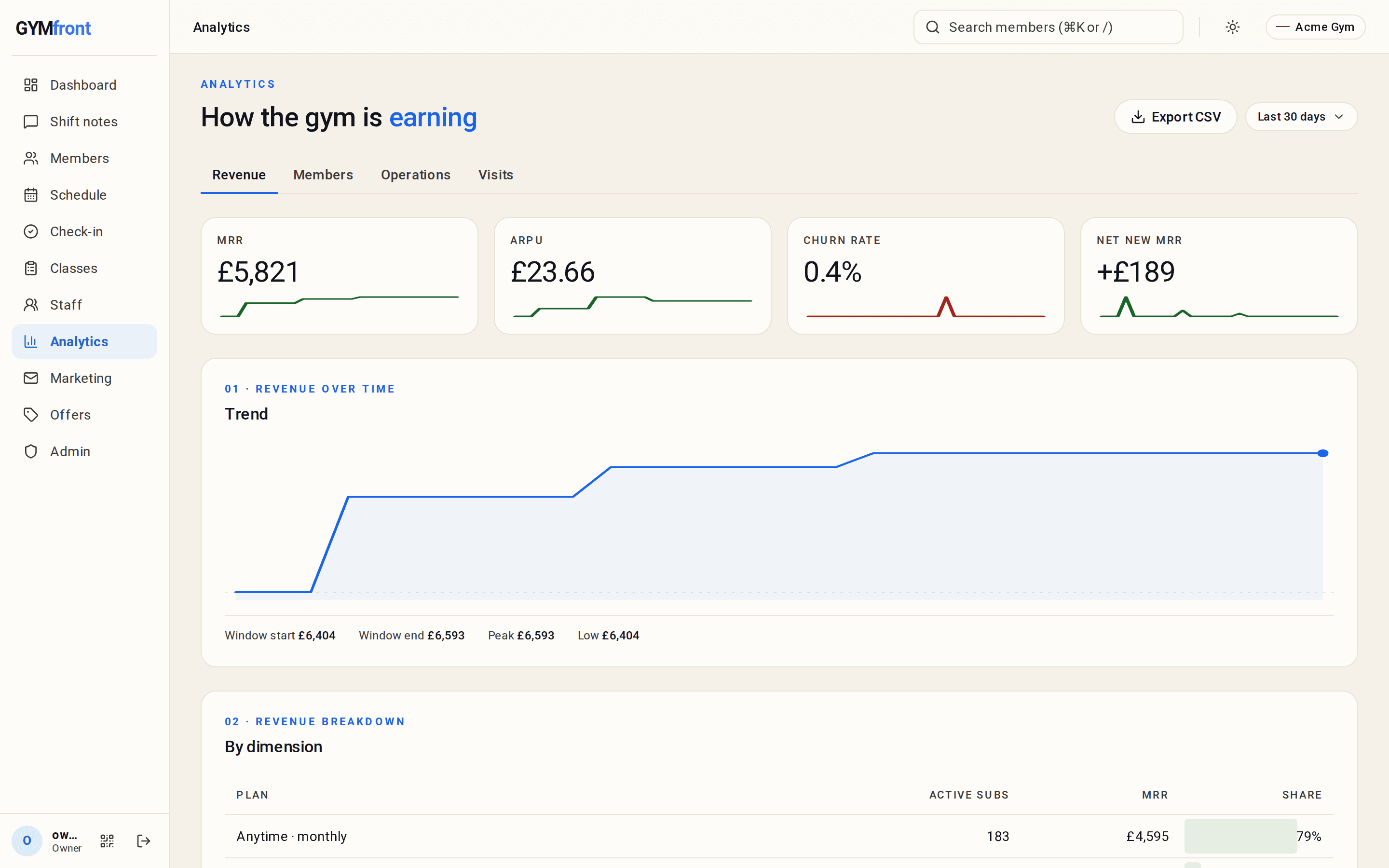
Reports & analytics
MRR, active members, today’s check-ins, who’s in arrears, at a glance, on one screen. Open it with your morning coffee, close it before service starts.
Real screen · light & dark mode · try the toggle
Multi-location
Link every site to a single GymFront account and manage them together. One login for the owner, the same tools at every front desk, and a system that already knows which location it’s standing in.
Pillar 04 · Member app
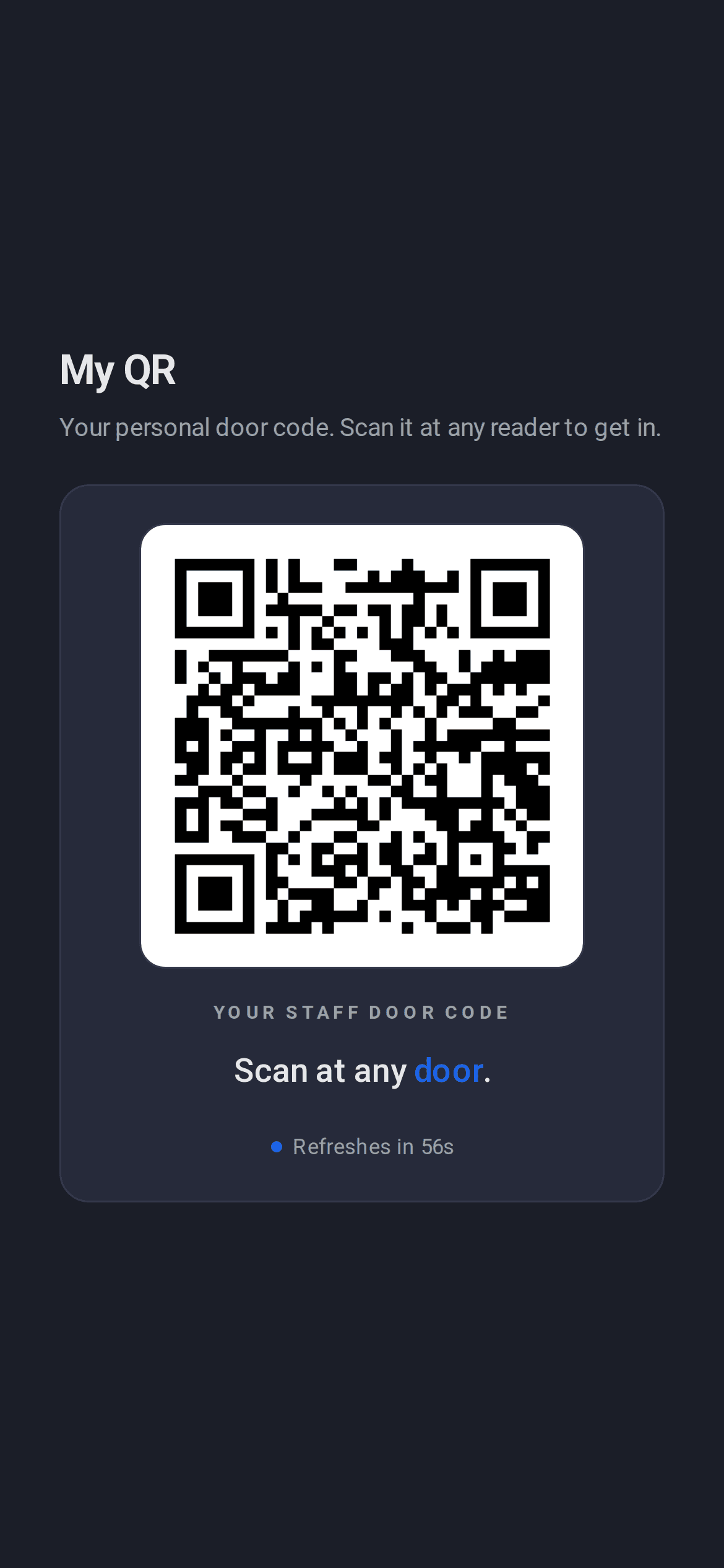
Account, bookings and entry in a fast app branded to your gym, reading the same member record your staff manage. And a reason to open it every day: goals, streaks and live gym traffic that keep members training.
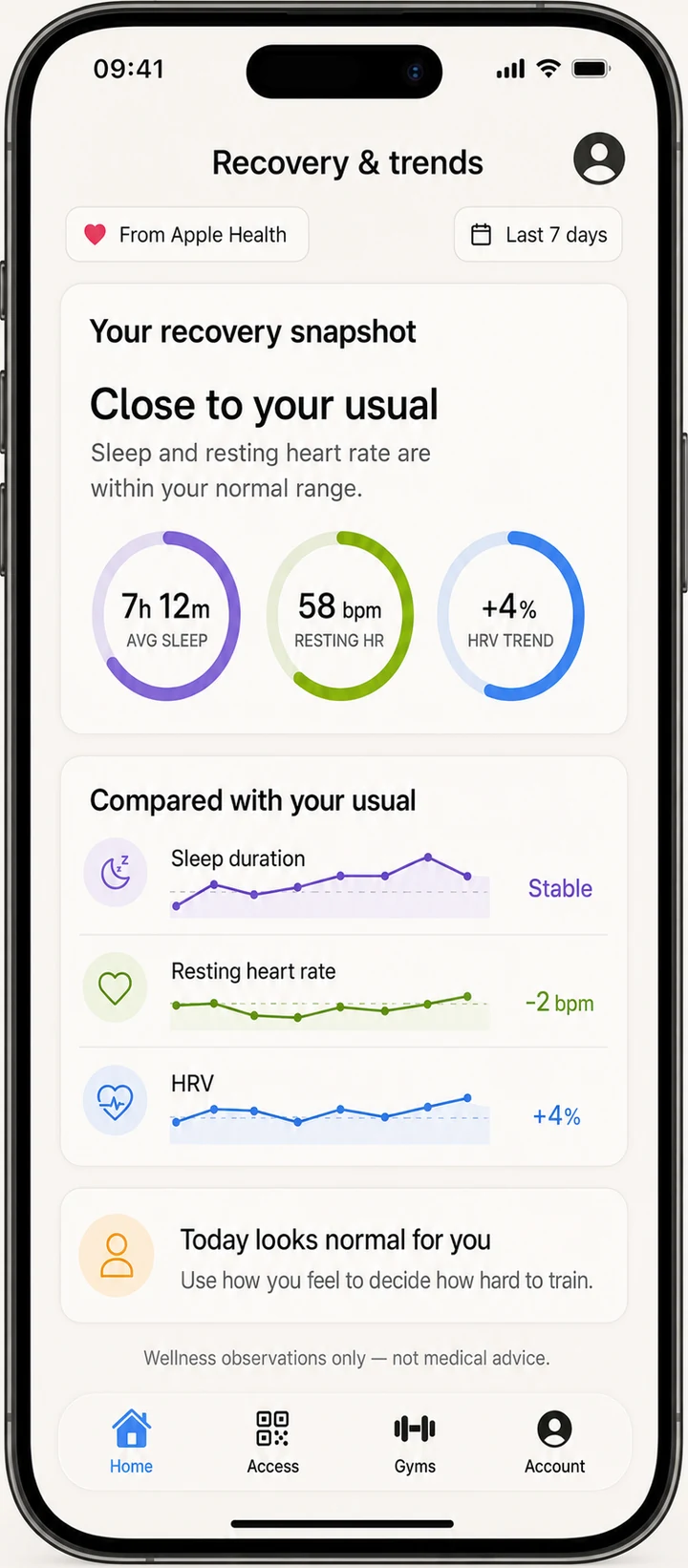
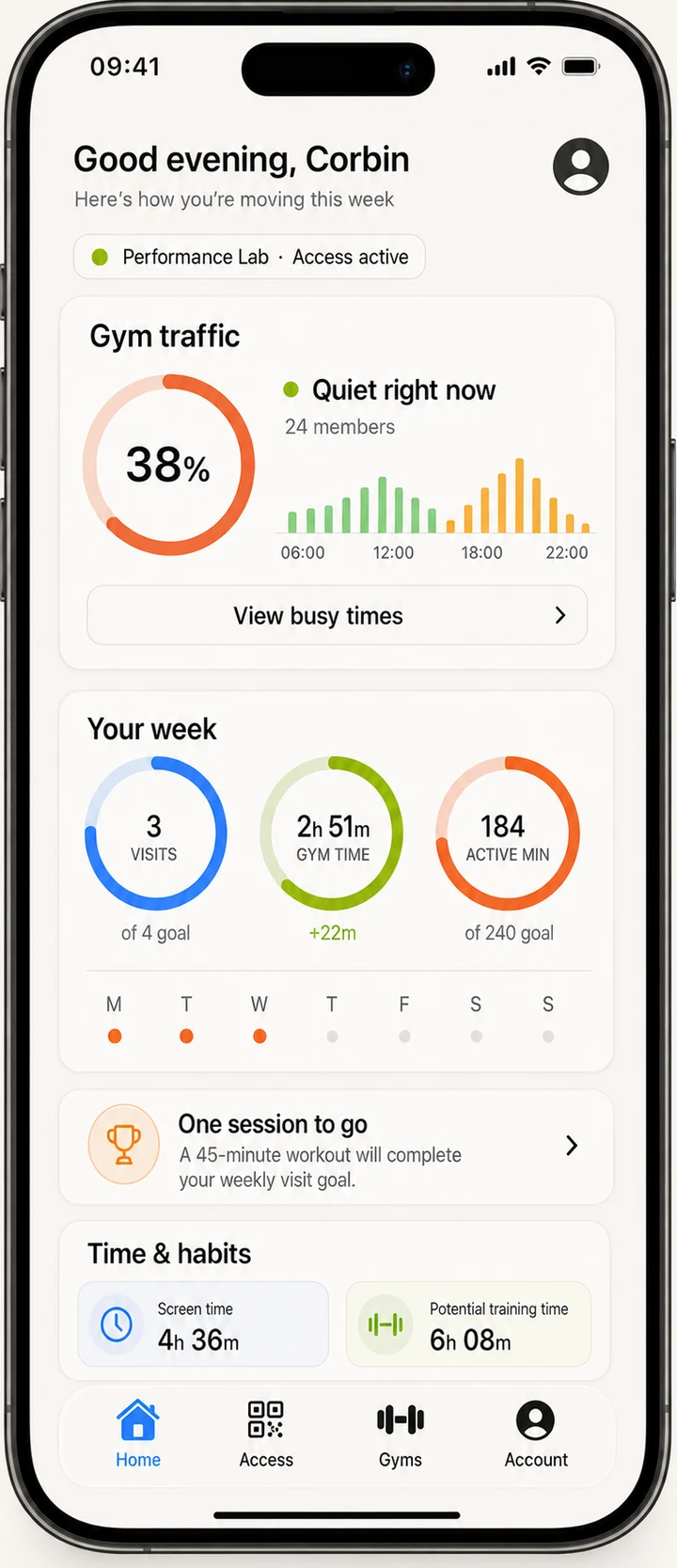
Every screen
Run the front desk on a tablet. Pull reports on a laptop. Let members book and check in from their phone. One system, every screen.
Built by a gym owner
GymFront wasn’t designed in a software office and pitched at gyms afterwards. Founder & CEO Daniel Gulsher is a gym owner and professional coach with over a decade in the industry, and the platform is shaped by what running a gym actually takes, day in, day out.
Performance Lab Grimsby uses GymFront in day-to-day gym operations and provides the practical feedback that helps shape the product around real staff and member needs.
Performance Lab Grimsby · Grimsby, UK

Daniel Gulsher
Founder & CEO · Gym owner · Coach
Discover the current membership, billing and access setup.
Plan data migration and hardware compatibility.
Configure and test GymFront alongside the incumbent system where needed.
Train staff and validate member journeys.
Cut over in controlled stages with a named point of contact.
What we can import depends on the quality and availability of data from your existing supplier. We confirm the scope during migration planning, before you commit.
Built for
01
One location, a small team, and not enough hours in the day.
02
CrossFit, yoga, PT, F45-style, with class-led memberships and a coach-owner running the business.
03
Two, five, ten locations, with staff who need consistent tools and an owner who needs the numbers to add up.

If your gym sits between these, GymFront probably fits.
Pricing
Software is priced per location, billed monthly. Access-control hardware, survey, installation and commissioning are quoted separately following a site assessment. Monthly billing, no minimum term.
FAQ
Where an answer depends on your site or your configuration, we say so, and confirm the specifics during the demo or site assessment.
The next step
See it on a 20-minute call. We’ll walk through your gym’s setup. Not a generic demo, not a deck, not a sales pitch.
Replies within one working day


